How to Build a Photography Website That Attracts Dream Clients
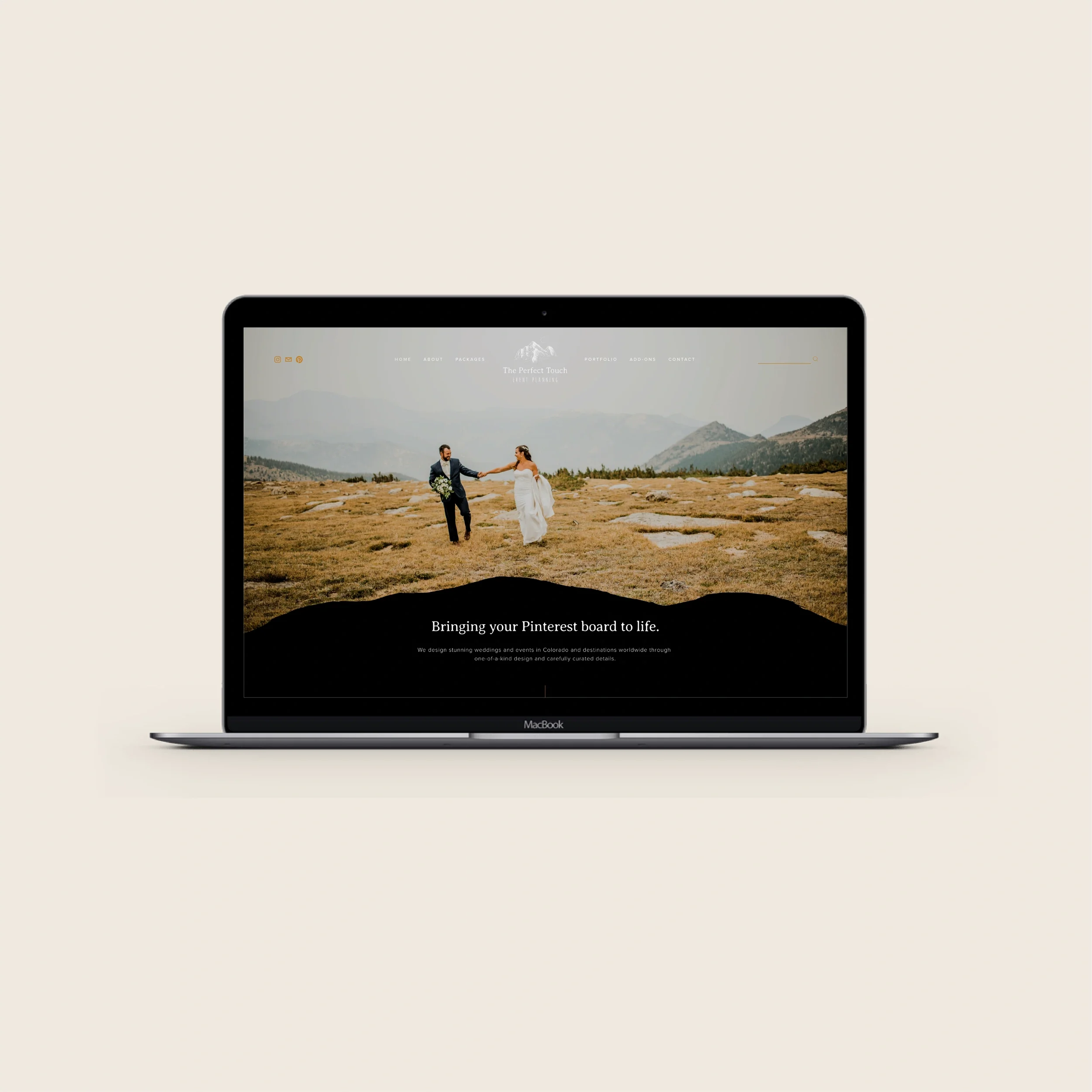
Your step-by-step guide to creating a website that showcases your work and books more clients.
As a photographer, your website is more than just an online portfolio. It's your most powerful marketing tool, your digital storefront, and often the deciding factor in whether a potential client books with you or moves on to the next photographer. Whether you specialize in weddings, brand photography, lifestyle sessions, or food photography, your website needs to do more than look beautiful; it needs to connect and convert.
Here's your complete guide to building a website for your photography business that attracts your dream clients and turns visitors into bookings.
Choose the Right Platform
The foundation of your photography website starts with choosing the right platform. While there are many options available, we consistently recommend Squarespace for photographers, and here's why.
Squarespace offers stunning, image-focused templates that are specifically designed to showcase visual work, which, for photographers, is crucial. Your images need to be front and center, displayed in high resolution, and organized in a way that tells a story. Squarespace templates understand this inherently.
The platform also features an intuitive drag-and-drop editor that makes building and updating your site straightforward, even if you're not tech-savvy. You can arrange galleries, adjust layouts, and customize your design without touching a line of code. Plus, Squarespace is an all-in-one solution that includes hosting, built-in SEO tools, and responsive design, which means you're not juggling multiple services or paying for separate hosting.
For wedding photographers showcasing engagement and wedding galleries, brand photographers displaying corporate shoots and fashion photography, or lifestyle photographers presenting family portraits and maternity sessions, Squarespace provides the visual flexibility and professional polish your work deserves.
Invest in a Custom Domain
Once you've chosen your platform, invest in a custom domain. A custom domain builds trust and professionalism immediately. Potential clients are more likely to take you seriously when they see yourbusiness.com instead of yourbusiness.squarespace.com.
Your custom domain also boosts brand recognition and marketing. It's easier to remember, looks cleaner on business cards and marketing materials, and reinforces your brand identity with every link you share. From an SEO perspective, a custom domain improves discoverability and gives you more control over how your photography business appears in search results.
Whether you're a landscape photographer marketing prints or a food photographer working with restaurants and brands, your domain name becomes synonymous with your brand, making it easier for clients to find you and remember you.
Define Your Website Goals
Before you start designing, get clear on what you want your photography website to accomplish. Most photography websites have two primary goals.
First, establish and increase brand visibility. Your website should clearly communicate who you are as a photographer, what your style is, and what makes your approach unique. Whether you specialize in intimate newborn sessions or dramatic landscape photography, your brand identity should be immediately apparent.
Second, inform potential clients about your business. Visitors should be able to quickly understand what services you offer, who you work with, and what working with you looks like. A wedding photographer should make it clear that they shoot engagements and weddings, while a brand photographer should specify whether they focus on corporate headshots, small business branding, or fashion photography.
Determine Your Main Call to Action
Every page on your photography website should guide visitors toward one primary action: booking a photo shoot or scheduling a consultation.
Make it easy for visitors to take this next step by including clear contact forms, prominent calls-to-action throughout your site, and accessible contact details on every page. Your goal is to generate leads and bookings, which means removing any friction in the inquiry process.
For lifestyle photographers offering family sessions, maternity shoots, and couples photography, this might look like a "Book Your Session" button that appears on every page. For brand photographers working with corporate clients, it might be a "Schedule a Consultation" form that asks qualifying questions about their photography needs.
Plan Your Sitemap
A well-organized sitemap makes it easy for potential clients to navigate your photography website and find the information they need.
Here's the essential structure every photography website should include:
Home: This is your first impression and your welcoming entry point. Highlight your best work, clearly state what you do, and direct visitors to where they should go next. For a wedding photographer, this might feature a stunning engagement or wedding gallery. For a food photographer, it could showcase your most mouth-watering culinary shots.
About: Share your story, your photography philosophy, and your professional background. This is where potential clients connect with you as a person, not just a service provider. Explain what drew you to lifestyle photography or why you're passionate about brand photography for small businesses.
Portfolio: This is where you showcase your diverse skills and signature style. Organize your portfolio by category if you shoot multiple types of photography. A photographer who does both landscape photography and family sessions should separate these into distinct galleries so potential clients can easily find relevant work.
Services: Detail your offerings, packages, and optionally, your pricing. Be specific about what's included in each package. If you're a brand photographer, clarify whether you offer corporate headshots, fashion photography, or small business branding packages.
Contact: Include a contact form, your location if relevant, phone number, and social media links. Make it hyper-clear how potential clients can get started working with you.
Write Strategic, SEO-Friendly Copy
Great photography websites balance visual storytelling with clear, client-focused copy that builds trust and ranks well in search engines.
Your website copy should be keyword-rich and SEO-optimized. Think about what your ideal clients are searching for. A couple's photographer might optimize for "engagement photographer in [city]" or "anniversary photoshoot." A food photographer should target keywords like "restaurant food photography" or "culinary photography for brands."
The key is incorporating these keywords naturally while articulating the value, experience, and personality behind your work. Don't just list your services. Explain what makes your approach to newborn photography different, or why your landscape photography stands out.
Your copy should answer common questions potential clients have: What's included? How long does a session take? What should they expect? When will they receive their images? The more clearly you communicate, the more confident they'll feel about booking with you.
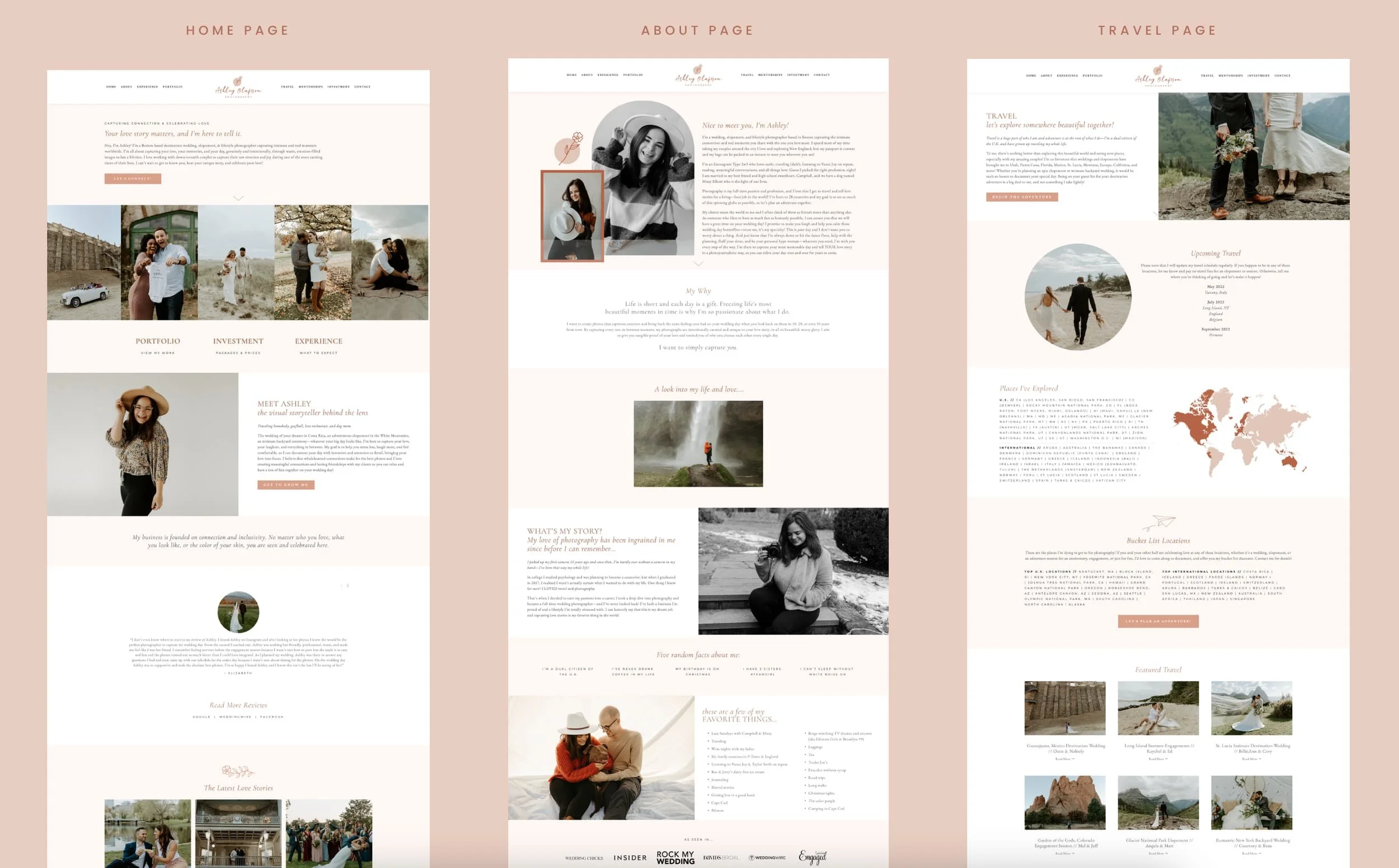
Design Your Photography Website
Now comes the visual design, where your brand truly comes to life!
Use your brand fonts and colors consistently throughout your site to create visual cohesion and reinforce your brand identity. Incorporate high-quality brand photos that showcase not just your work, but you as the photographer. Potential clients want to see the person behind the camera, especially for wedding photographers and lifestyle photographers, where personality and connection matter.
We usually recommend a minimalist and clean design approach for photography websites, allowing your images to be the focal point without unnecessary distractions. That said, keep your design aligned with your specific brand vibe and visuals. A fashion photographer might embrace bold, editorial layouts, while a maternity photographer might opt for soft, warm aesthetics.
Ensure your site has clear navigation and plenty of call-to-action buttons and make it easy for visitors to contact you from any page. If someone is browsing your family photography portfolio and decides they want to book, they shouldn't have to hunt for your contact form.
Launch and Optimize
Before you officially launch your photography website, ensure it's mobile-friendly. Most potential clients will view your site on their phones, so your galleries, text, and contact forms all need to function beautifully on mobile devices.
Consider adding a blog to increase your SEO and provide ongoing value to potential clients. Blog posts like "What to Wear for Your Engagement Session" for wedding photographers or "How to Prepare Your Restaurant for a Food Photography Shoot" for food photographers are not only helpful for potential clients, but also position you as an expert while improving your search rankings.
Ready to Build Your Photography Brand and Website?
We've spent nearly a decade at Amari Creative helping photographers build brands and websites that don't just showcase their work, they attract dream clients and generate consistent bookings. We specialize in brand strategy, logo design, brand messaging, website copy, and website design for small businesses and entrepreneurs who want their online presence to work as hard as they do.
If you need help building a strategic photography brand and website that showcases your work and attracts your dream clients, book a consultation, and let's talk through your goals and see if we're a good fit!
AMARI CREATIVE
We are a brand and website design studio for small business owners.
________________________
Since starting of Amari in 2016, we’ve helped hundreds of small businesses go from a mere idea to a full-blown brand. From logo, to messaging, to websites, we’re here to help you launch your dream brand and website.
FOLLOW ALONG
THE BRAND QUIZ
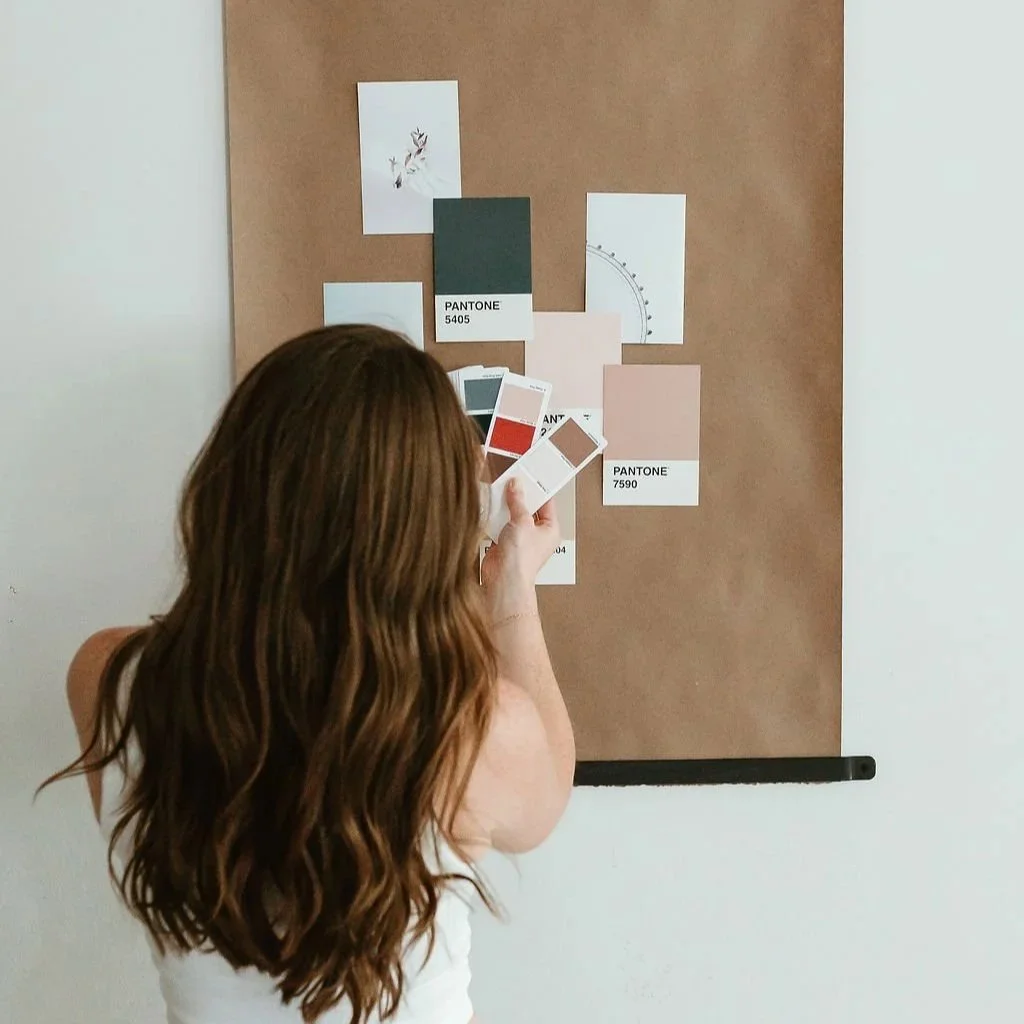
Curious what your brand style is? Take our quiz to uncover your brand aesthetic and creative direction.